To upload documents in Closeout Pro:
Go to the relevant module (such as Closeout Items, Specifications, or Warranty Tickets)
Open the item or section where you want to upload the file
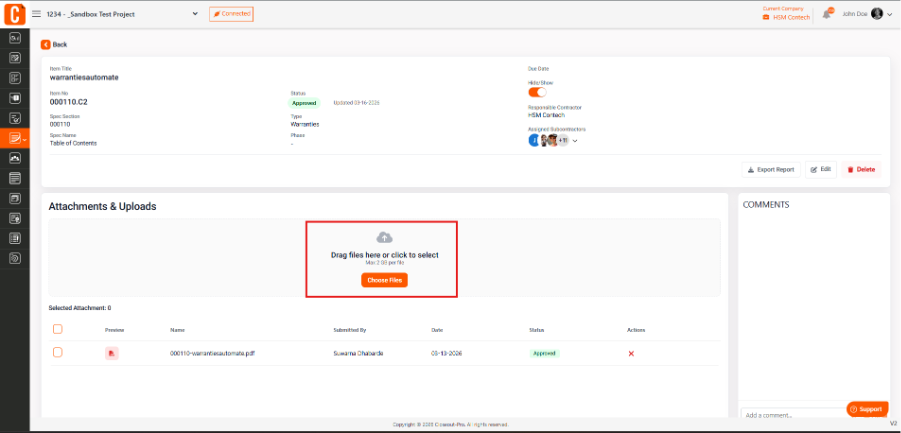
Navigate to the Attachments & Uploads section
Click Choose Files and select your file
Save or confirm the upload
Once uploaded, the document will be attached and available for review and tracking.
Was this article helpful?
That’s Great!
Thank you for your feedback
Sorry! We couldn't be helpful
Thank you for your feedback
Feedback sent
We appreciate your effort and will try to fix the article