In Closeout Pro, a closeout log is automatically generated based on the Closeout Items created within a project.
To create a closeout log:
Navigate to the Project you are working on.
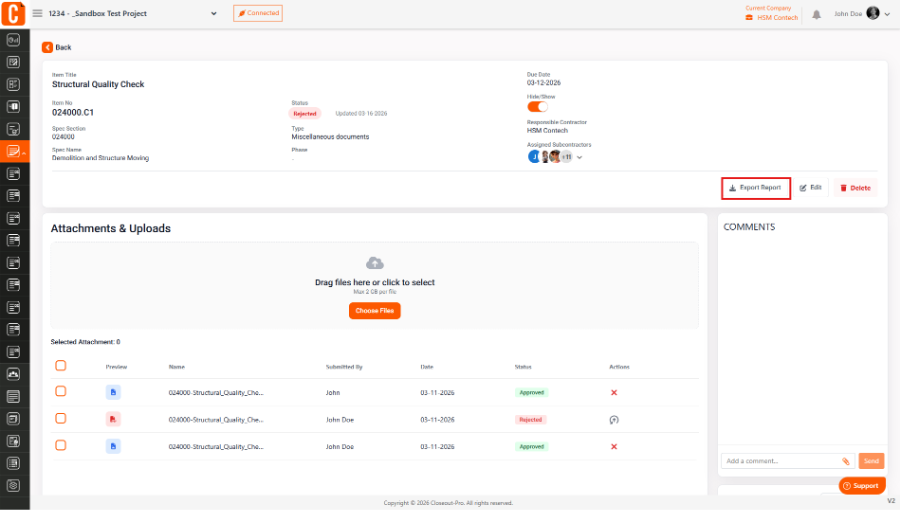
Go to the Closeout Items module.
Add or import the required closeout items.
Once items are created and assigned, the system will automatically display them in the Closeout Log, where you can track their status, due dates, and progress.
Was this article helpful?
That’s Great!
Thank you for your feedback
Sorry! We couldn't be helpful
Thank you for your feedback
Feedback sent
We appreciate your effort and will try to fix the article