To invite trade partners in Closeout Pro:
Go to your Project
Navigate to the Project Contacts section
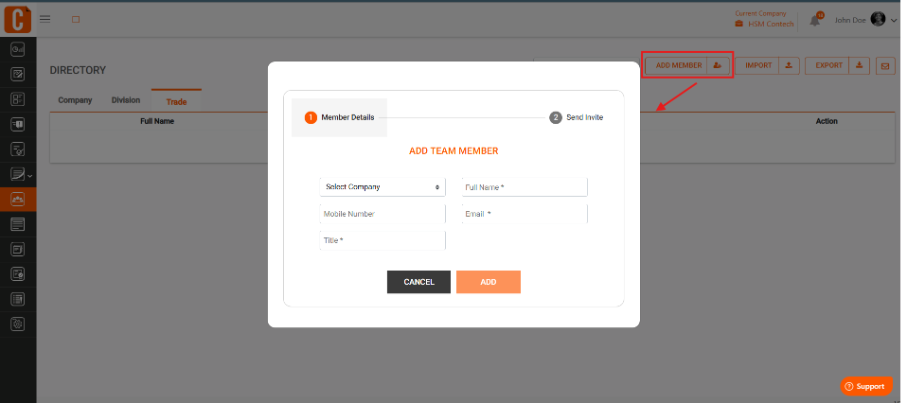
Click Add Contact or Invite
Enter the trade partner’s details (name, email, company name, title, role)
Assign the appropriate role or permissions
Send the invitation
The trade partner will receive an email to join the project and can start accessing assigned items once they accept.
Was this article helpful?
That’s Great!
Thank you for your feedback
Sorry! We couldn't be helpful
Thank you for your feedback
Feedback sent
We appreciate your effort and will try to fix the article