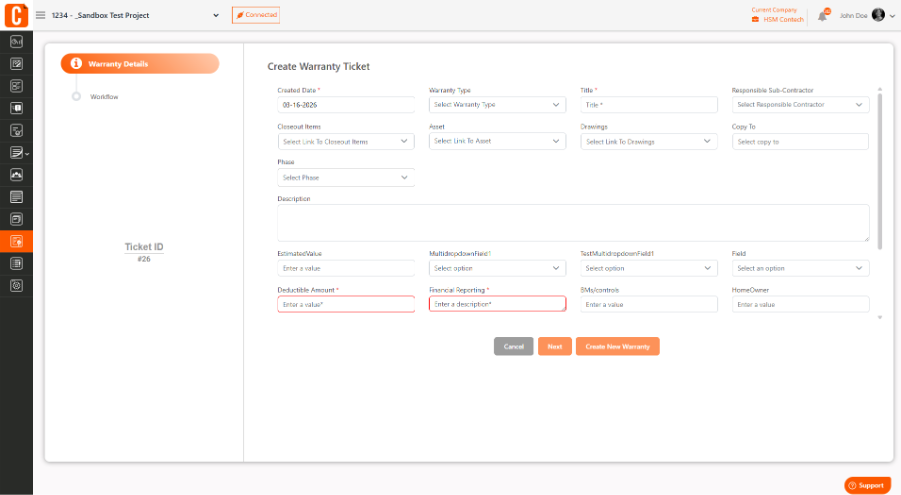
To create a warranty ticket in Closeout Pro:
Go to your Project
Open the Warranty module
Click Add or Create Ticket
Enter details like issue description, location, related asset, and assign the responsible contractor
Click Save
Once created, the ticket can be tracked and managed until the issue is resolved.
Was this article helpful?
That’s Great!
Thank you for your feedback
Sorry! We couldn't be helpful
Thank you for your feedback
Feedback sent
We appreciate your effort and will try to fix the article