You can quickly find closeout items using the search and filter options in the Closeout Items module.
Available options include:
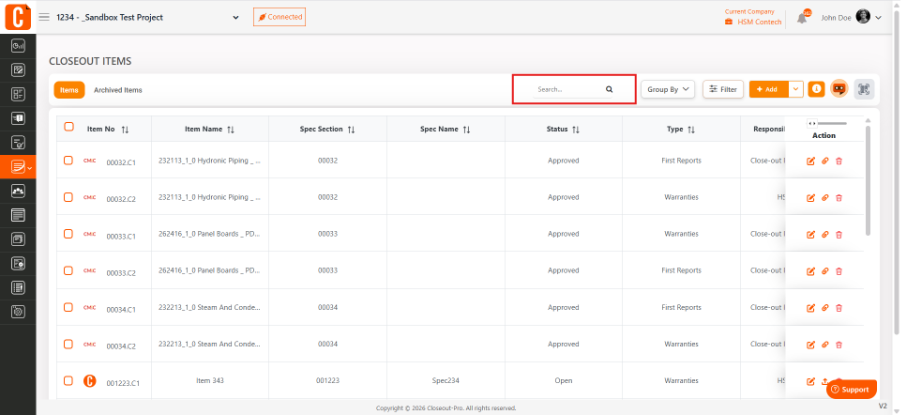
Search Bar – Find items by name, keyword, or specification
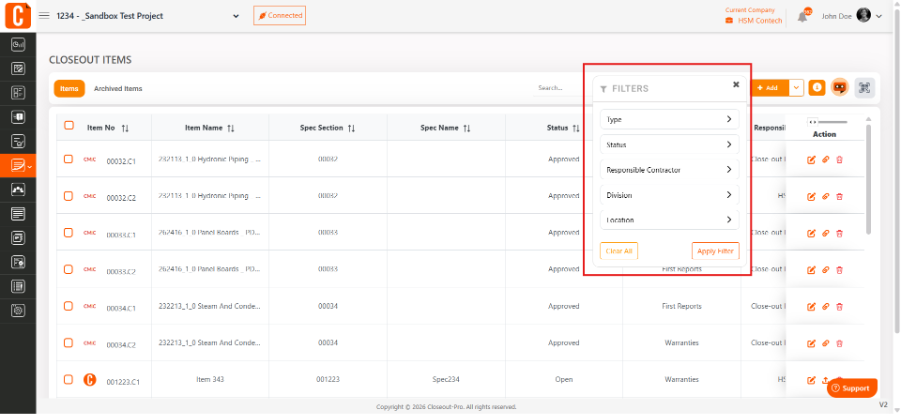
Status Filter – View items by status (Open, In Progress, Completed)
Type Filter – Filter by closeout item type
Division Filter – Sort by CSI division
Location Filter – View items by project area
Responsible Contractor Filter – Filter by assigned subcontractor
Was this article helpful?
That’s Great!
Thank you for your feedback
Sorry! We couldn't be helpful
Thank you for your feedback
Feedback sent
We appreciate your effort and will try to fix the article